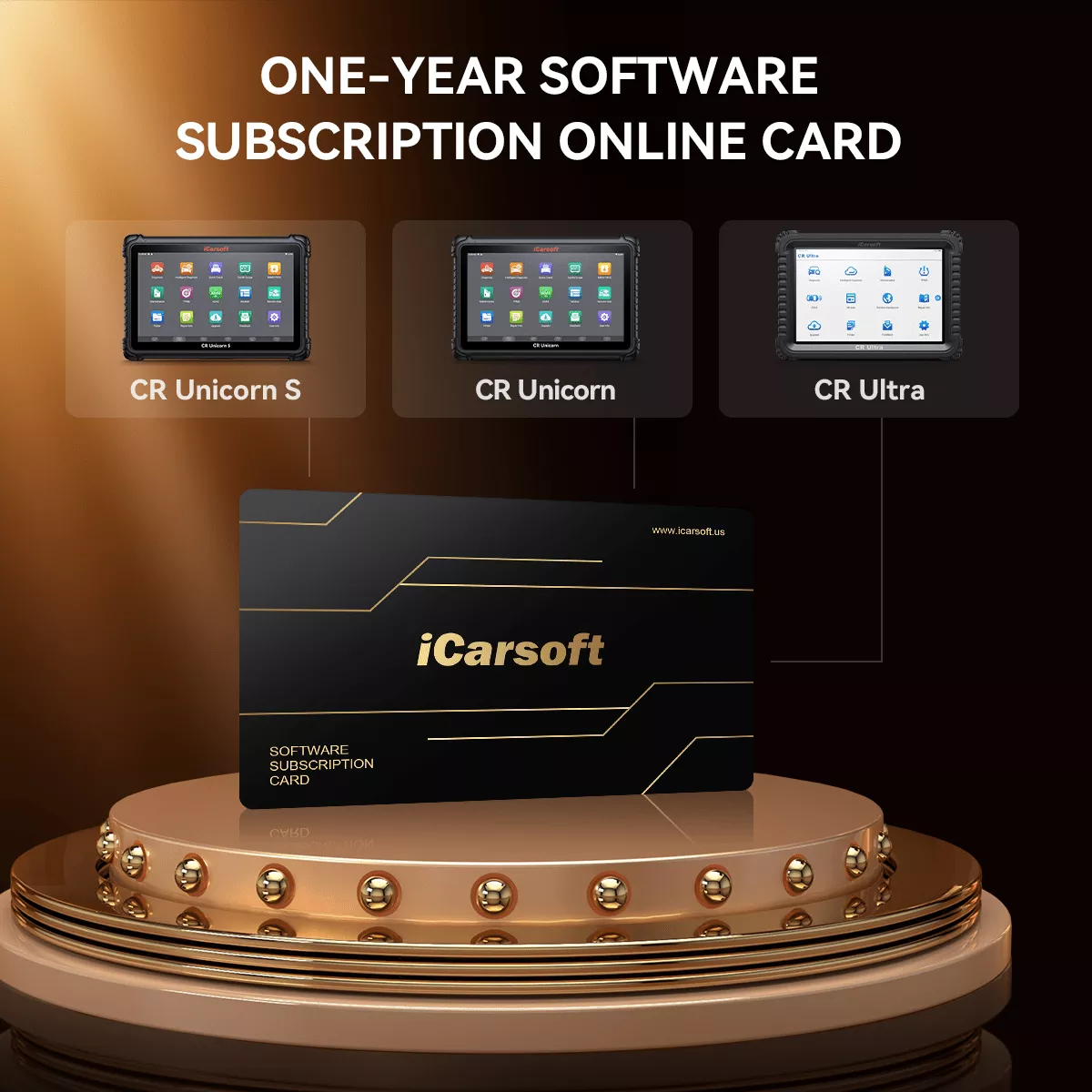
The iCarsoft update package enhances the performance and compatibility of CR Ultra, CR Unicorn, and CR Unicorn S diagnostic devices. With the latest software updates, it ensures compatibility with new vehicle models, unlocks new features, fixes system bugs, and optimizes the user experience.
How to use it?
Step 1
After purchasing, contact us via email or website live chat. Once we confirm your order, we will send you the necessary update materials.
Step 2
Turn on your device (using CR Ultra as an example) and tap Update.
Step 3
In the update menu, tap Renewals at the bottom right corner.
Step 4
Enter your security code in the designated field, then click Pay Immediately to enjoy unlimited updates for the next year!
Warning: Users who purchase upgrade cards may not return them after successfully activating the upgrade. If a return is made after the upgrade, it will be considered malicious behavior, and the manufacturer will immediately lock the corresponding device via the server, rendering it unusable. Please strictly adhere to the regulations.